
M4P Converter
Convert DRM iTunes M4P, M4B, M4A music to plain MP3, AAC or WAV formats
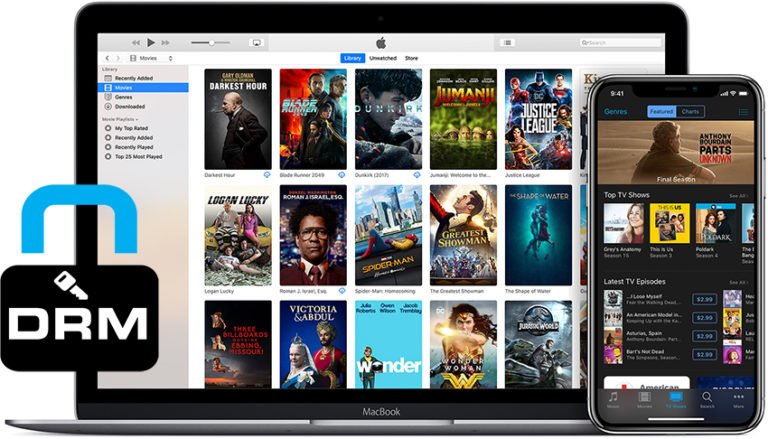
- Remove DRM from M4P, M4B, M4A music you purchased from iTunes store.
- Convert DRM M4P, M4B, M4A to plain MP3, AAC, and WAV for playing on Samsung, HTC, PSP, BlackBerry, and MP3 players.
- Extract audio from DRM M4V, WMV, ASF, and other common video formats.
- Batch conversion mode to save your precious time.
Supported OS: For Windows 10/8/7; macOS 10.10/10.11…/10.15

Key features of M4P Converter:
- M4P Converter can remove DRM protection from purchase iTunes music files with simple clicks.
- Convert M4P to MP3, WMA, WAV, OGG, AAC, MKA. etc. support M4A, M4B, WMA, MP3, M4V, and more.
- All encoders and decoders built-in, convert protected iTunes M4P, M4B, as well as unprotected M4A. Convert M4V video to MP3.
- This M4P Converter allows you to customize the parameter for output files. You can easily put the converted audio on your iPhone, iPod, Zune, PSP, etc.
- This M4P Converter supports batch conversion, you can also click the check box of “turn off computer after conversion” to shut down PC automatically.
- Fully support Dual-core or Multi-core processor, compatible with Windows Vista-32 bit perfectly.
How to convert M4P to MP3 from iTunes music with M4P Converter?
Free download this iTunes M4P Converter. Install and launch it on your computer.
Step 1. Load iTunes M4P songs
Click “Add” button or directly drag and drop the target iTunes M4P music files into the main window. And batch conversion mode supports input several files at one time.

Step 4. Output format setting
- Click “Edit” icon to choose music Channels, Sampling Rates and Bit Rates for keeping in the output MP3 audio file.
- Click “…” button at the bottom to set an output directory for containing the converted MP3 music files.

Step 3. Start removing DRM from iTunes M4P music file and convert M4P to MP3
Click “Convert” button at the bottom to start removing DRM protection and converting M4P (M4A) to MP3. After a short time, the M4P to MP3 conversion process will be finished. Then you can enjoy your favorite music freely.